Do you know these 3 levels of biometric security of Android phones? Know technology
Nowadays, most Android smartphones get biometric features like fingerprint or face unlock to unlock the phone. But did you know that the security of every biometric system is not the same? Biometric security in Android is divided into three different classes. Their level depends on how easily the system can be deceived by fake biometrics and how safe your data is.
The first level is Class 1 which was earlier known as Convenience. Its purpose is to unlock the phone quickly and easily. In this, the spoof acceptance rate of the system i.e. SAR should be less than 30 percent. At this level, the phone needs a PIN, passcode or other primary authentication every 24 hours, after four hours of not being used or if there is a wrong biometric attempt three times in a row. However, one of its major limitations is that it cannot be used for authentication within apps.
Class 2: Balancing Safety and Convenience
The second level is Class 2 which was earlier called Weak. Here the SAR must be less than 20 per cent. In this system, biometric data is encrypted and matching is done in a separate secure environment.
The advantage of this is that Class 2 biometrics are used not only to unlock the phone but also for authentication in apps. That is, it is used in banking or other sensitive apps.
Class 3: The Strongest Biometric Security
The third and strongest level is Class 3. It should have a SAR of less than 7 percent. At this level, the cryptographic keys are not visible to the operating system, which further increases the level of security.
Read also: Apple Watch will run in Android phones! This app will change the iPhone requirement
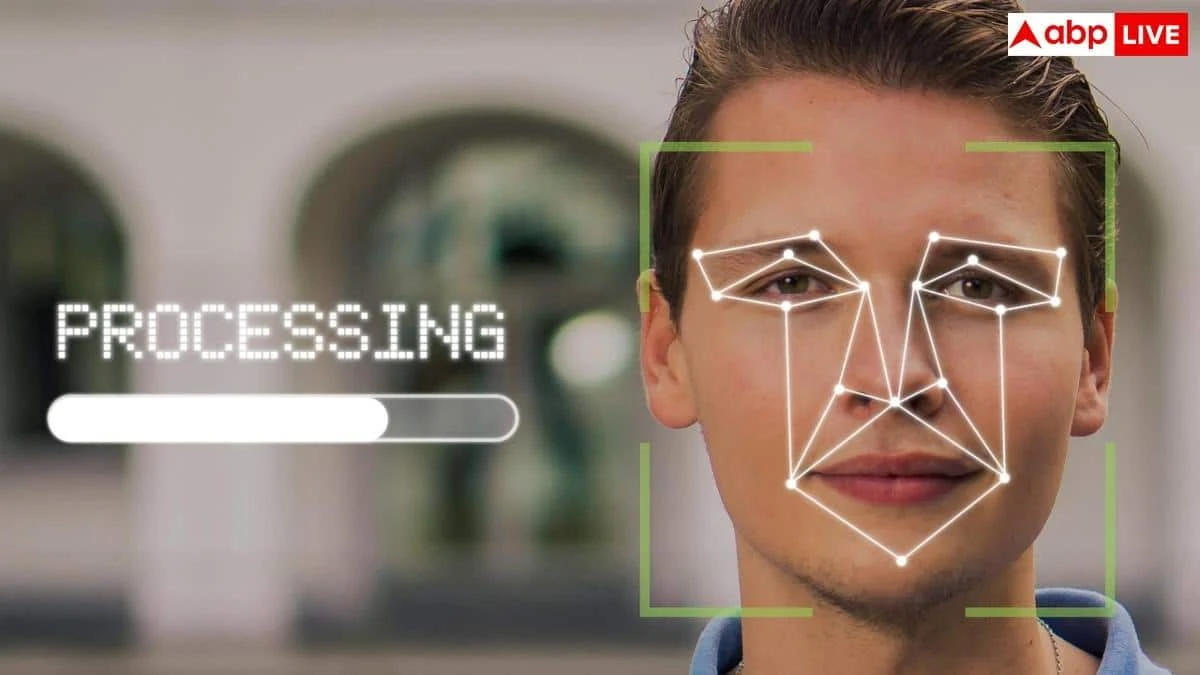
Interestingly, among the current Android devices, the Google Pixel 8 and later Pixel models achieve a Class 3 rating for face scan. Their face unlock system uses machine learning, which makes it difficult to deceive the system through photos or videos.
Fingerprint or Face Unlock, what is safer?
Let me tell you that face unlock is convenient, but not every phone's face recognition system offers the same level of security. Some devices also check whether the user is really looking at the screen or not. On the other hand, it is also possible to beat the fingerprint scanner in a fake way, although it requires more experience.
Pattern Lock
Let us tell you that not only biometrics, the backup lock of the phone is also necessary. Android's 3x3 Pattern Lock gives more options than a four-digit PIN in view, but users often start the pattern from the top-left corner. For this reason, many patterns can be broken by guessing.
Lockdown mode will come in handy
If you want to further strengthen the security of the phone, Android's Lockdown Mode can prove to be beneficial. When activated, the biometric unlock is turned off, the USB connection is stopped, and notifications are also temporarily blocked. Apart from this, turning off features like Extend Unlock, Trusted Places, and On-Body Detection can also increase security.
Read also:
The number of mobile users in India crosses 1.29 billion! 55 lakh new subscribers added in August

0 thoughts on “Do you know these 3 levels of biometric security of Android phones? Know technology”
Leave a Reply
Your email address will not be published. Required fields are marked *



RECENT NEWS
- India-Pakistan in the same group in the 2027 ODI World Cup, ICC announces
- The match between India and Pakistan will be played on this day in the 2027 ODI World Cup, ICC announced
- Nushrat Bharucha meets with an accident in Bali: Admitted to hospital with injuries; Actress goes to Indonesia for work
- 2 lakh people affected by floods in Bihar: Monsoon begins to return in UP, floods in 26 villages; Temperature in Kedarnath minus 4°C
- EC clarification on 97 voters decommissioned in Goa SIR: 88 forms have been received; 3 have Portuguese passports, 6 are being contacted